wide10

from US$450.00

Wide dash and tuner in one screen!

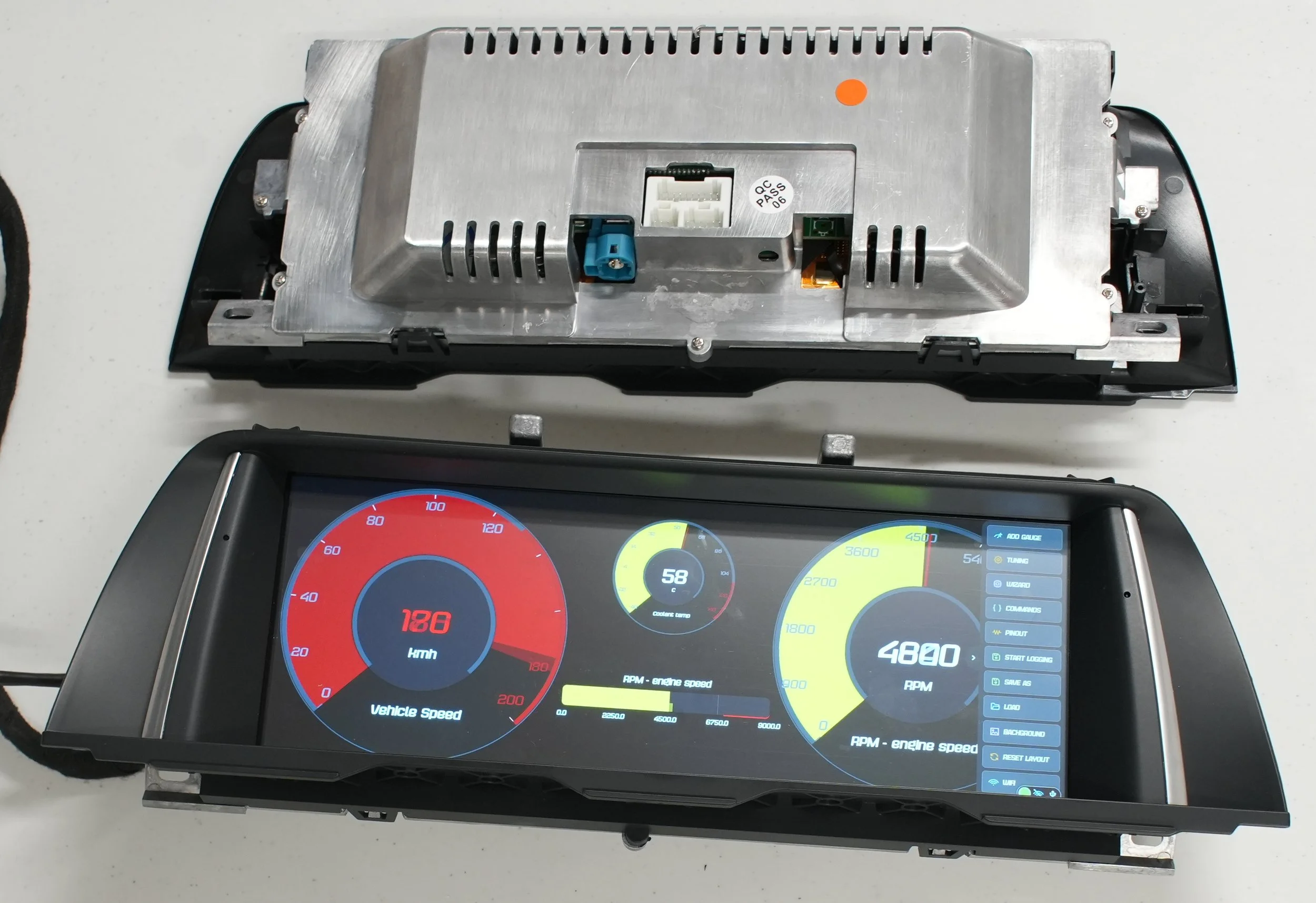
A wide display for rusEFI ECUs: arrange your gauges, set up a new engine with the wizard, and tune with live data on the screen. Same software as combo10.

  • Gauges you add, move, resize and restyle; save layouts.

  • Setup wizard, output tests (injectors, coils) and pinout view on the screen

  • 4 wires to install: +12 V, ground and CAN

Options

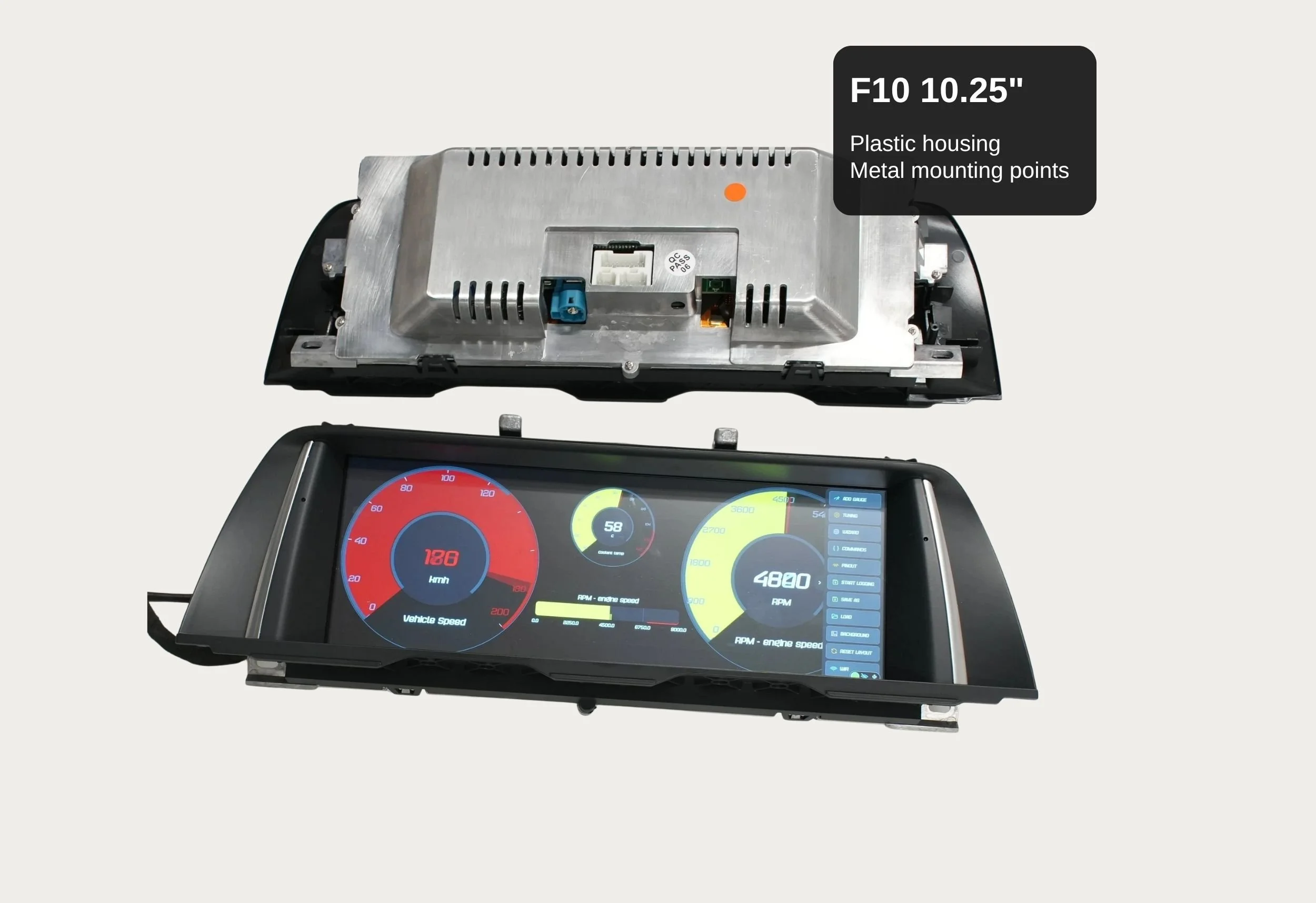
  • F10 10.25": plastic housing, with metal mounting points

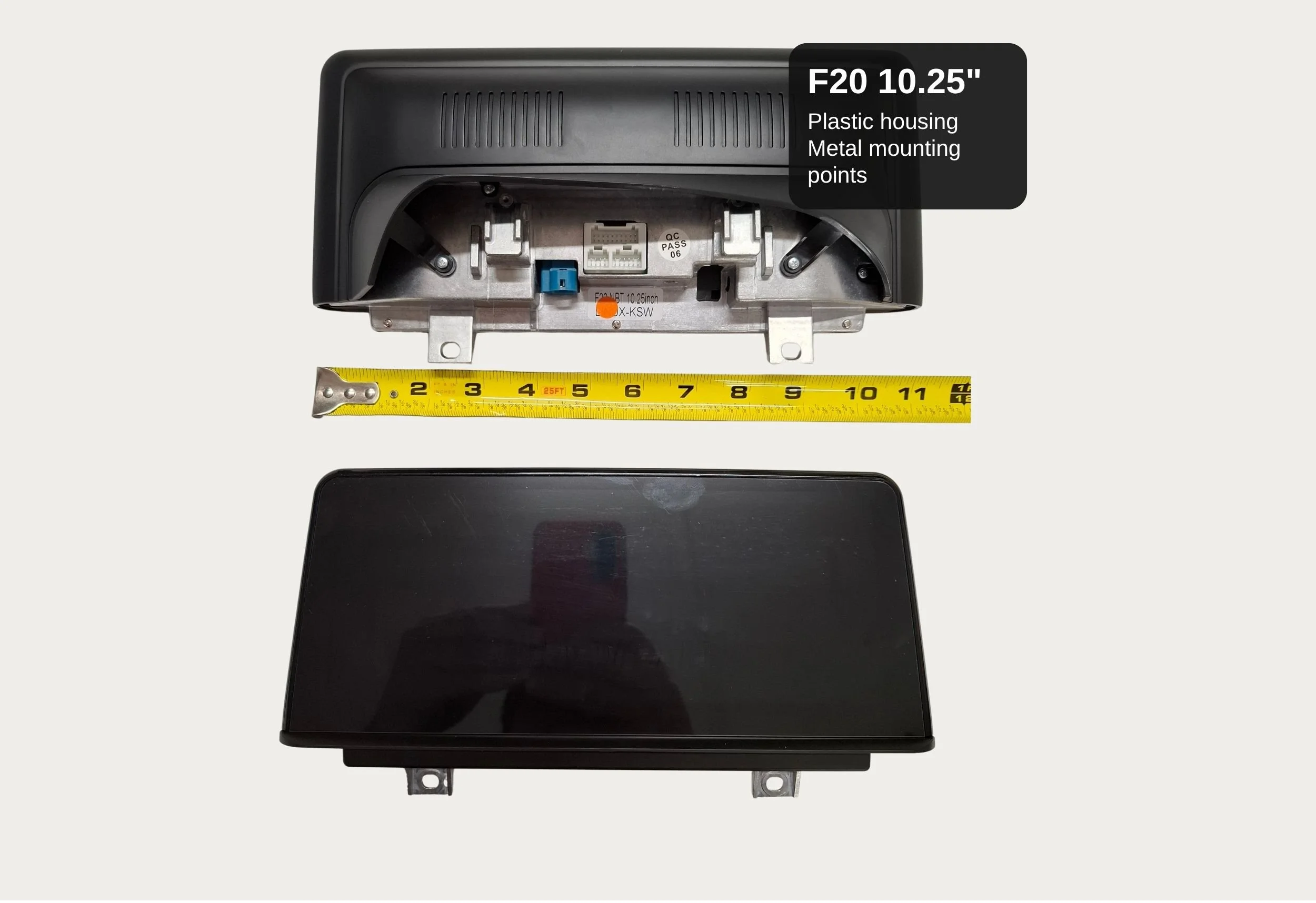
  • F20 10.25": plastic housing, with metal mounting points

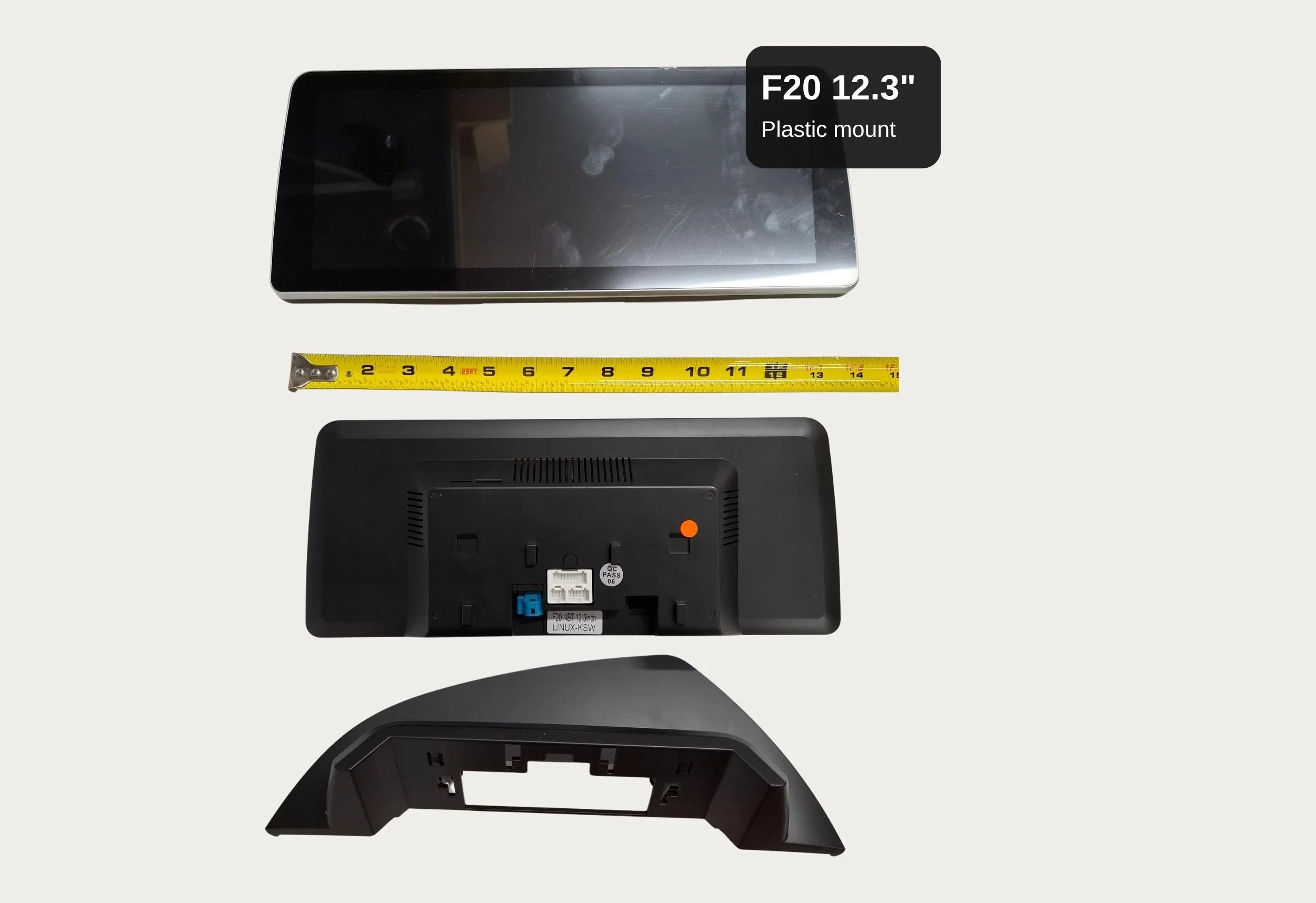
  • F20 12.3": plastic mount included (+$100)

Ships from New Jersey, USA, usually within 5 business days.

Docs and support. Wiring and updates: wiki.rusefi.com/wide10.25. Software guide: wiki.rusefi.com/combo10. Help comes from the community: forum, Discord, Facebook group. One-on-one help is sold separately as Technical Support.

Version:

wide10 specifications

Display and housing
Screen10.25" wide (F10 or F20 housing) or 12.3" (F20 housing)
Housing10.25": plastic, with metal mounting points
12.3": plastic mount included
SizeF10 10.25": 360 × 115 mm
Connection
Wiring4 wires: +12 V (yellow), ground (black), CAN high (solid green), CAN low (green/black)
ECU linkCAN
ECU definition (.ini)Over CAN from rusEFI ECUs that send it, or from a USB drive
USBUSB OTG port: software updates, .ini file
Dash software (same as combo10)
GaugesAdd, move, resize, restyle. 4 styles: dial, digital, vertical bar, horizontal bar. Max value, danger zone, decimals
LayoutsSave, load, reset; custom background image (PNG)
Engine setupSetup wizard for the first engine configuration
TuningOn-screen tuning menu with search; 8 live gauges plus extended live data
Output testsTest injectors and ignition from the Commands screen
Updates and tools
UpdatesDash software and MCU firmware from a USB drive (FAT32)
SimulatorFree Windows Dash Simulator: try the interface without hardware
Wiring and updates: wiki.rusefi.com/wide10.25. Software guide: wiki.rusefi.com/combo10. Simulator: combo10-releases